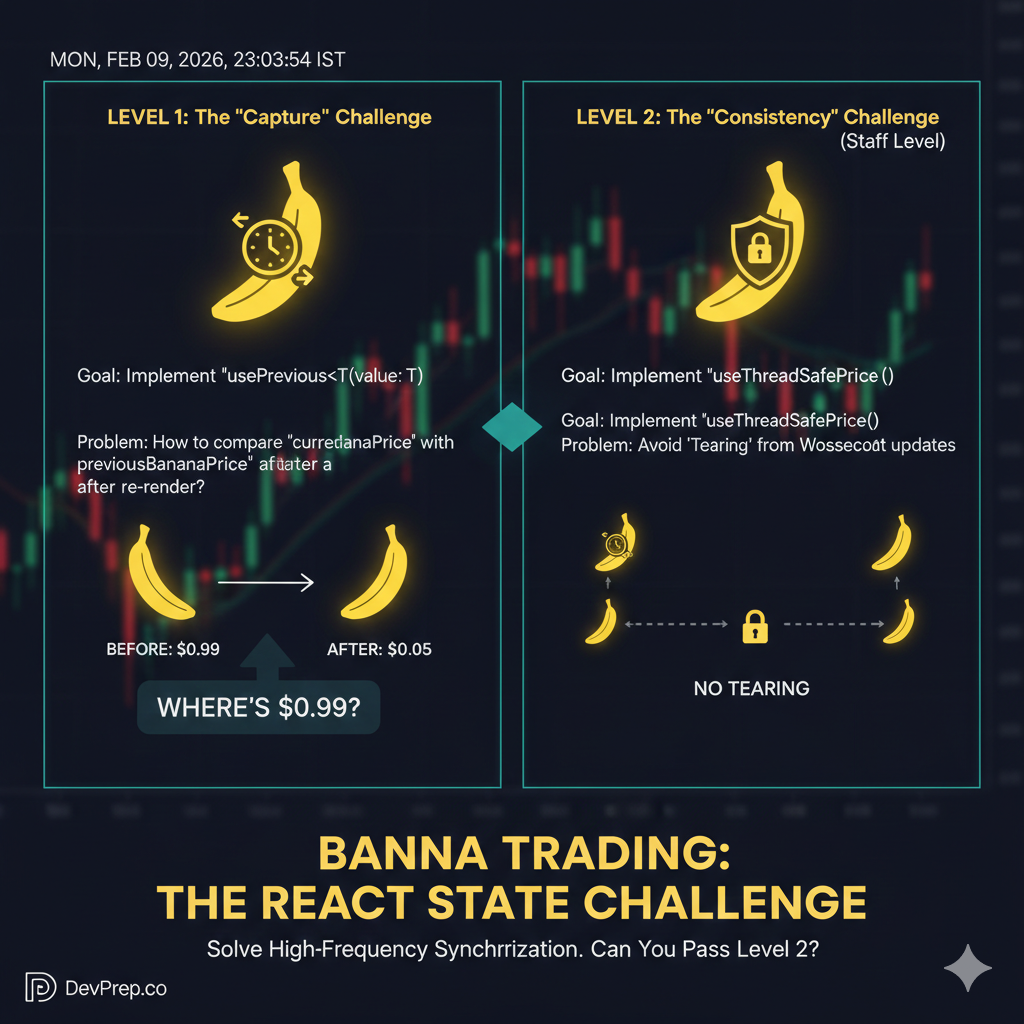
Scenario: You have been hired by an HFT firm to optimize their trader dashboard. In this environment, milliseconds matter. Prices update dozens of times per second. If a trader sees a "split-second" inconsistency (the UI showing two different prices for the same coin), it could lead to a million-dollar mistake.
The Mission
You must build a set of hooks that manage price updates with perfect synchronization and historical context.
Part 1: The usePrevious Hook (Local Logic)
The Business Requirement: When a coin price updates, we need to compare it to the immediate last price to trigger a "flash" animation.
If
currentPrice > previousPrice, the background flashes Green.If
currentPrice < previousPrice, the background flashes Red.
The Technical Constraint: Functional components are snapshots. When a new render happens, the old value is gone. You must implement usePrevious<T>(value: T) to "capture" the state of the previous render cycle before it is lost.
Challenge: How do you update a stored value after the render is visible to the user, ensuring the component always has access to the "past" during the "present" render?
Part 2: The useThreadSafePrice Hook (Staff Level)
The Business Requirement: Prices are now streaming from a high-speed WebSocket (External Store) rather than React state.
The Problem: The "Tearing" Trap In React 18+ (Concurrent Mode), React can pause a render to handle a high-priority user interaction. If the WebSocket updates the price while React is "paused" halfway through rendering your dashboard, half of your tickers will show the old price and half will show the new price. This visual inconsistency is called Tearing.
The Technical Constraint: Do not use useEffect + useState to sync this external data. It is prone to tearing. You must use useSyncExternalStore to create a "locked" snapshot of the price that remains consistent across the entire component tree for the duration of a single render.
Success Criteria & Test Cases
Your solution must pass the following automated tests (typically run via React Testing Library).
Test Suite 1: usePrevious
Initial Render: On the first mount,
usePreviousshould returnundefined.Sequential Updates: * Render with
value: 100. Result:undefined.Update to
value: 105. Result:100.Update to
value: 102. Result:105.
No Redundant Renders: Updating the internal "history" storage should not trigger an extra re-render of the component.
Test Suite 2: useThreadSafePrice
Subscription Management: When the component mounts, it must subscribe to the store. When it unmounts, it must unsubscribe to prevent memory leaks.
External Trigger: When
priceStore.update(50000)is called outside of React, the hook should trigger a re-render with the new value.Consistency (Snapshot): Multiple components calling the hook must return the exact same value during the same render pass, even if the store changes mid-render.
SSR Safety: The hook must not throw an error during Server-Side Rendering (provide a fallback snapshot).
How to Attempt
Initialize a React 18 project.
Create a
priceStoreobject withsubscribeandgetSnapshotmethods.Implement the hooks in
src/hooks/.Verify using React Testing Library's
renderHookutility.
#ReactJS #WebDev #JavaScript #Coding #Programming #Frontend
#ReactInterview #StaffEngineer #SystemDesign #MachineCoding #DevPrep #100DaysOfCode
#ConcurrentReact #React18 #StateManagement #SoftwareArchitecture #WebPerformance